Printing on wafer paper and sugar sheets — the complete guide
Wafer paper and sugar sheets are the two most popular printing surfaces in confectionery. This guide explains how to print on them correctly with a food printer.
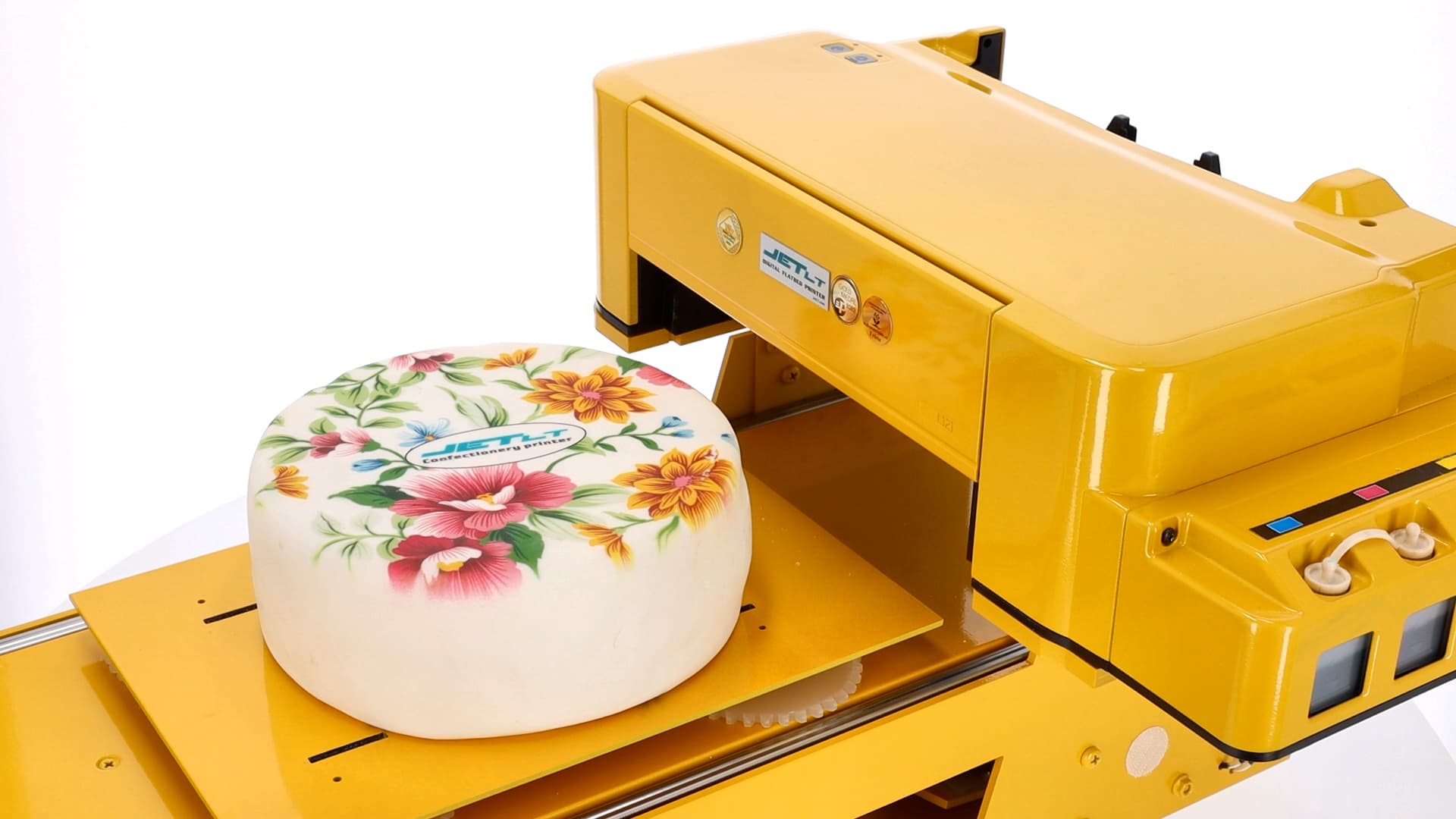
Wafer paper and sugar sheets are the two most commonly used printable surfaces in confectionery. Both work with edible inks, but their properties differ. This guide covers when to use each and how to achieve the best print quality.
What is wafer paper?
Wafer paper (also called rice paper) is made from potato starch and water. It is thin, lightweight and tasteless. Used for cakes, cookies and chocolate gingerbread. Ink is absorbed quickly, so the result is visible immediately.
What are sugar sheets?
Sugar sheets (fondant sheets) are plates made from sugar with an elastic surface. They are thicker than wafer paper, so prints look more vibrant and adhere better to the cake's fondant layer. The JetLT lineup includes a dedicated sugar paste printer.
How does printing differ on the two?
- Wafer paper — works for whipped cream cakes, sponge cakes, chocolate cookies. Prints appear light on a white background.
- Sugar sheets — best for fondant cakes and glazed gingerbread. Colours look much more intense.
- Wafer paper is barely felt in the mouth; sugar sheets have a sweet taste.
Step by step: how to prepare for printing
- Prepare the image at 300 DPI in CMYK colour space, sized to your surface format.
- Insert wafer paper or a sugar sheet into the printer — JetLT has a dedicated holder.
- Select the "Edible" profile in your software and confirm the media type.
- Run a test print on a draft surface.
- Place the printed surface on the cake or cookie within 24 hours.
Common mistakes
- Surface too wet — ink bleeds, image looks blurry.
- Background too dark — CMYK inks have no white, so colours lose vibrancy on dark surfaces.
- Prints stored too long — we recommend using within 24 hours.
Certified inks
JetLT uses only certified food-grade CMYK inks that meet EU standards. They are tasteless, odourless and do not affect the product's flavour. The inks work on all of the surfaces listed above.
How much does the printer cost?
The JetLT food printer starts at €1,600. The package includes the printer itself, edible inks, initial training and a 12-month warranty. A single print costs from €0.02. Want more details? Get in touch.
Related articles: Which food printer to choose • How to print on cakes • How much does a food printer cost
Related products
Cake Printer
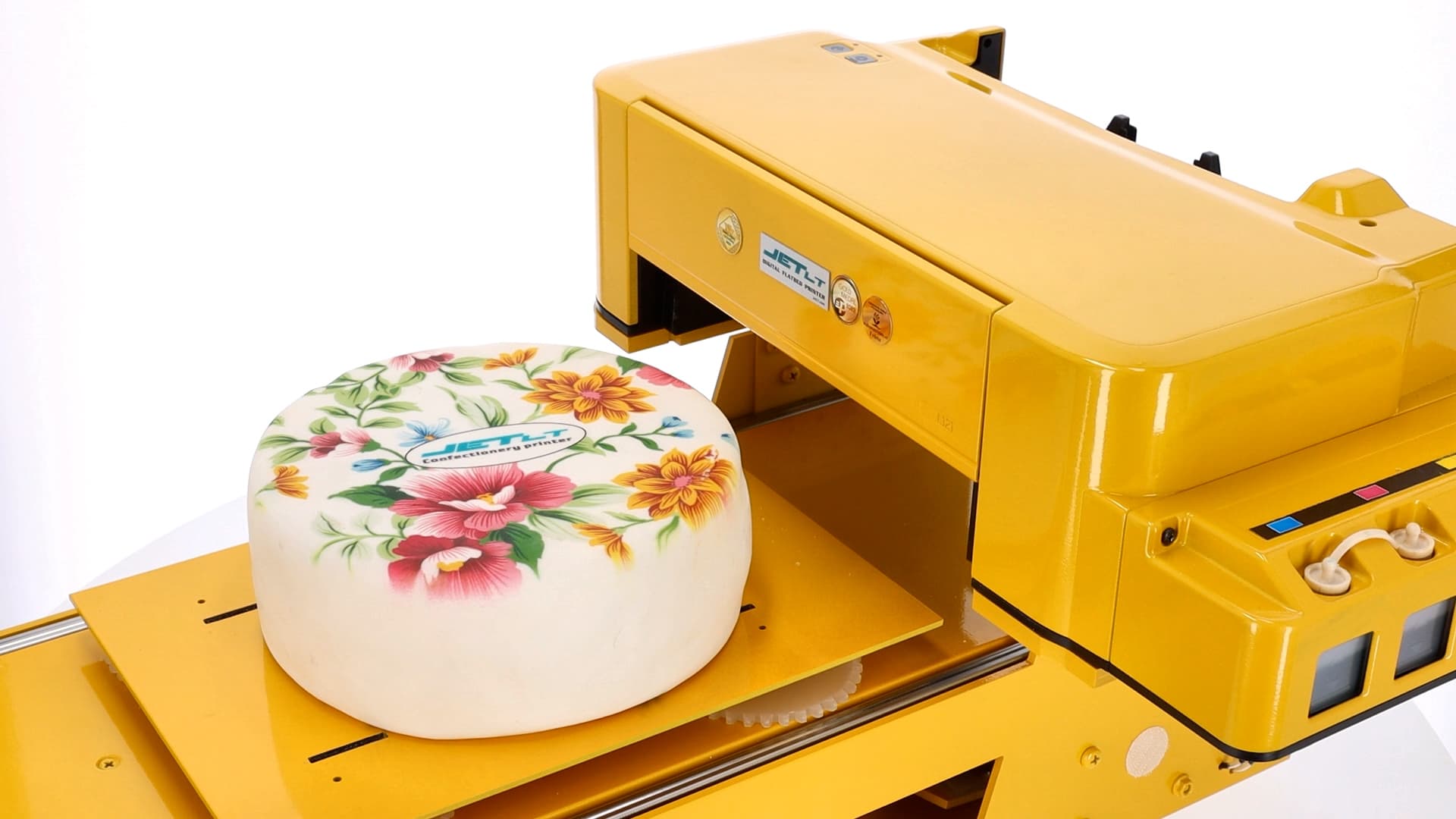
Make every celebration unforgettable — with the JetLT food printer, print a photo, logo or greeting directly on any cake in just a few minutes.
View productReady to start printing yourself?
JetLT food printer — from €1,600. 12-month warranty and initial training included.
Blog
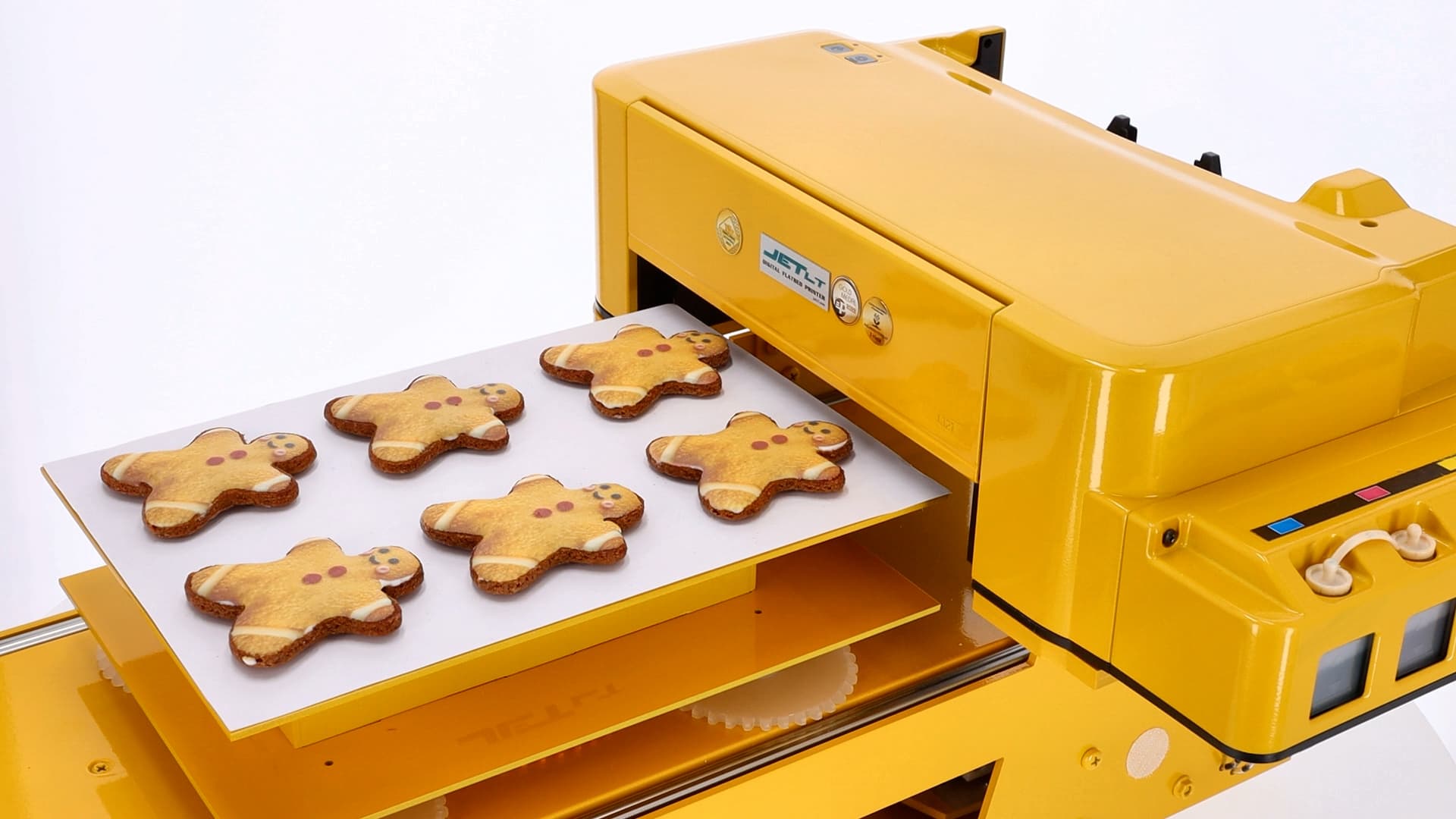
Gingerbread printing, preparing your bakery for the Christmas season
October–November is the right time for bakeries to prepare for Christmas-season orders. Personalized gingerbread with corporate logos, names or holiday motifs is becoming one of the biggest B2B sales categories. An edible inkjet printer lets you handle large batches (200–500 pcs per day) without manual decorator labor cost.
Printing on fondant and sugar paste, professional confectionery decoration guide
Sugar paste and fondant are the universal foundation for confectionery decoration, cake covering, molded elements, personalized plaques. Printing directly on sugar paste replaces hand-painted decoration with automated professional-grade printing that preserves color vividness and high detail.